Turn a screenshot into a cinematic 3D mockup.
Drop your app screenshot on the device below — spin it, switch devices, pick a background, export a PNG. For App Store screenshots, device shots and social images. Free, right in your browser — no download, no account, any computer.
Drag to spin · drop your own screenshot · free preview is watermarked
New — Screen Stage Live
Capture it live. Stream it in 3D.
Point Screen Stage at any window — your app, the Xcode simulator, a live game — and it's textured onto a 3D device at up to 120fps, in a lit cinematic scene, in real time. Crop the window chrome with a drag. Let the camera follow your cursor. Then send it straight into OBS as a clean, optionally transparent layer — no driver, no config.
New — AI Scene Director
Describe it. Your Mac builds it.
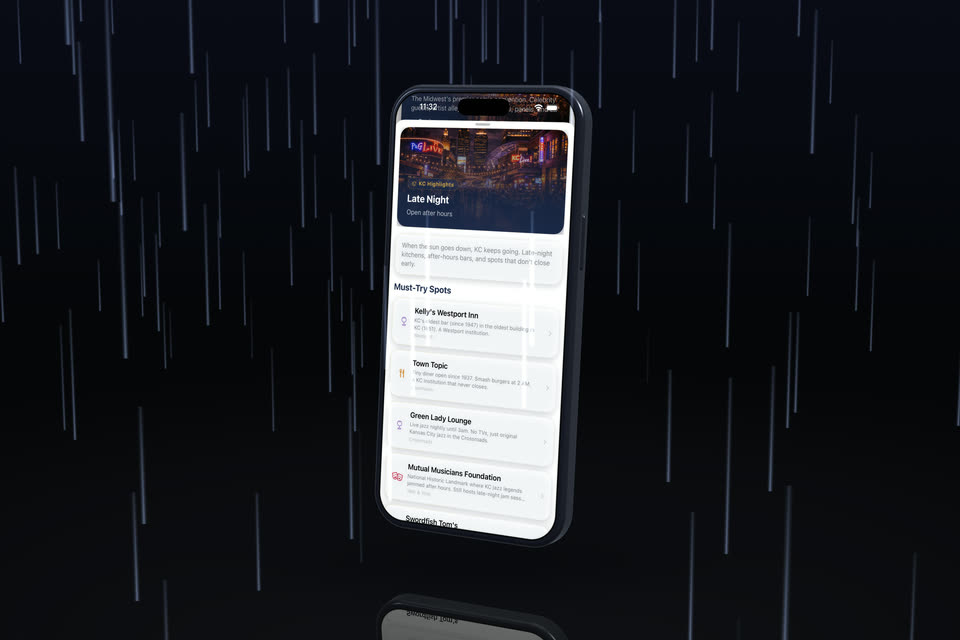
Type what you want — “rainy neon night, push in close” or “clean white product shot, warm light” — and Screen Stage reconfigures the whole scene: lights, weather, floor, colours, camera move, all of it. Powered by your Mac's on-device AI and a library of 38 hand-designed looks — private, no key, nothing leaves your machine.
Why it's different
The only one that can do this on your Mac.
Screen Stage isn't a web app in a wrapper or a flat-video tool. It's a custom Metal engine, built from scratch and pointed at your screen. That's why it does things browser- and Electron-based tools structurally can't:
The workflow
A finished product film in three clicks.
The showreel above was produced exactly this way — drop, click, click, ⌘R. No keyframes to wrangle, no editor to learn.
What you make
What you'll ship with it.
Everything your launch needs, out of one window:
Screenshot sets
Your whole App Store set. Re-render every release.
Build a captioned screenshot set once — every slide, every exact App Store size, your headline above each one. It all saves as one .dolly project; next app update, drop in the new screenshots and re-export the entire set in seconds. Name every export your way, pick up your last session from Open Recent, and a welcome screen gets you moving the moment you launch.
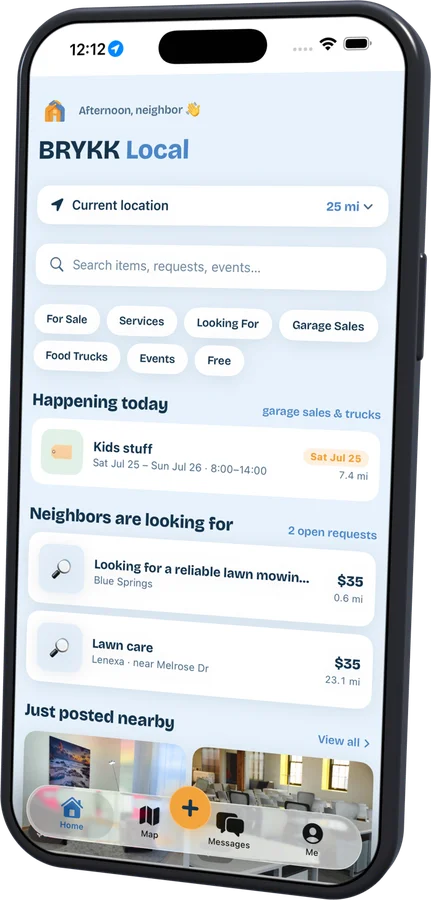
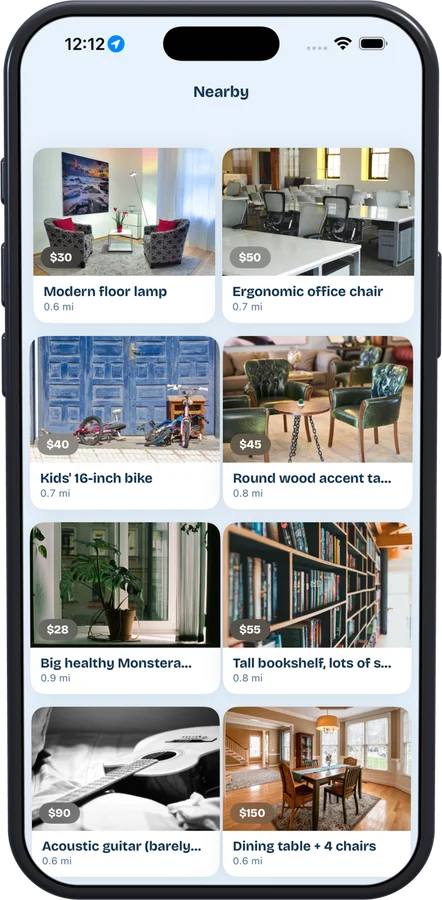
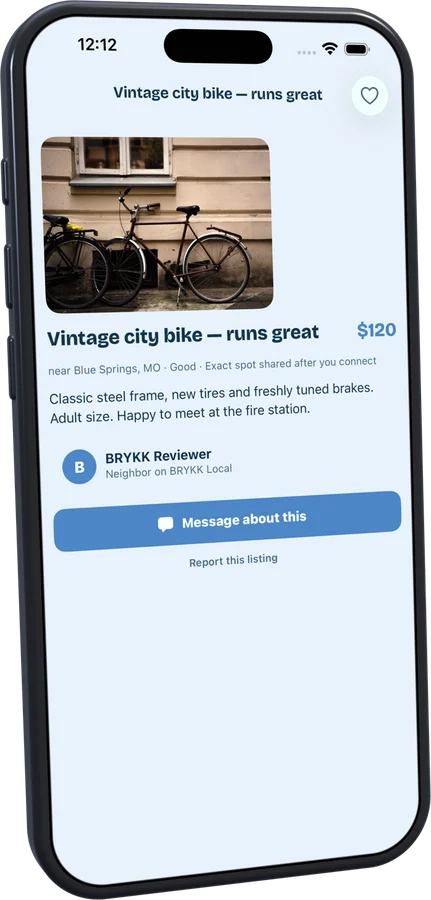
Stuck on the caption? The AI writes it — in every language.
Describe your app in a sentence and Apple's on-device model writes your App Store headlines, right in Screen Stage. Then it translates the whole set into every language you ship in — a complete localized screenshot set per locale, rendered on your Mac. Free, instant, private: no key, no cloud, nothing uploaded.
Devices
Every screen you ship on.
One studio for your whole product line — Apple and Android, pocket to living room. Every one is a photoreal 3D model built to the maker's published dimensions — iPhone 18 Pro with its Dynamic Island, the new foldable iPhone Duo, the 13″ iPad Pro, Apple Watch Series 12 — lit and shot the same way.
Who it's for
Built for people shipping software.
Screen Stage is for indie developers, startup founders, product marketers, and agencies who need their app to look launch-ready — and for creators, streamers, and DevRel who want their screen live in a cinematic 3D scene, straight into OBS over Syphon (opaque or transparent) or a recording. No video editor required.
Made with Screen Stage
Real apps, real renders.
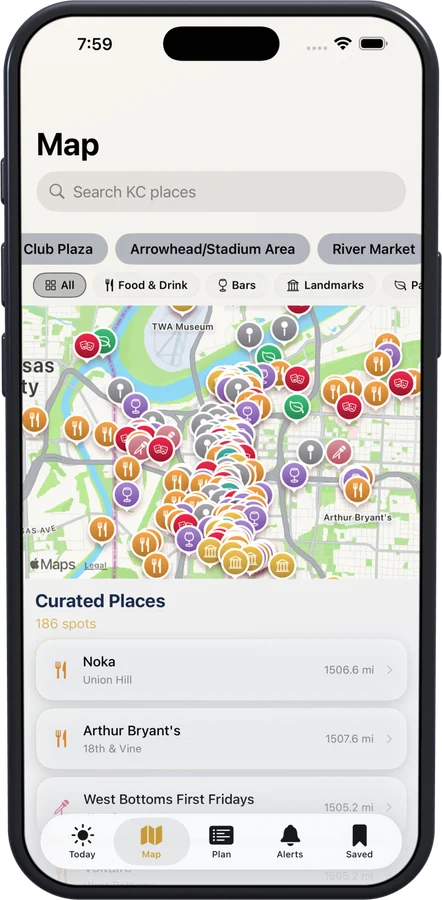
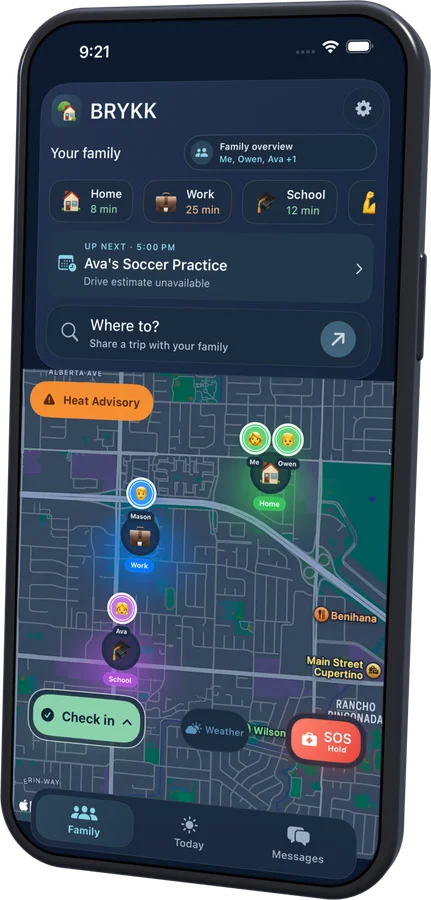
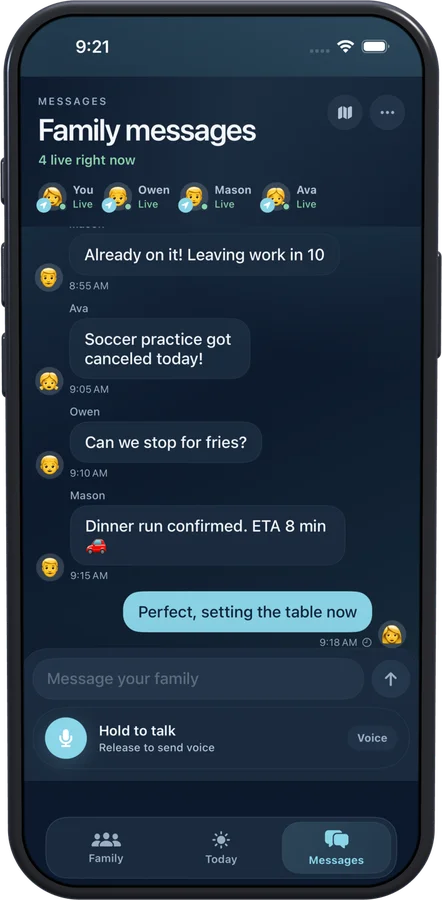
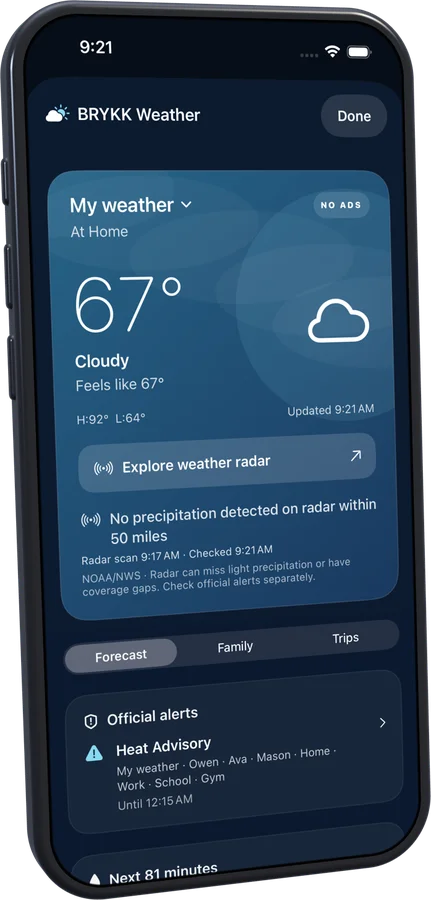
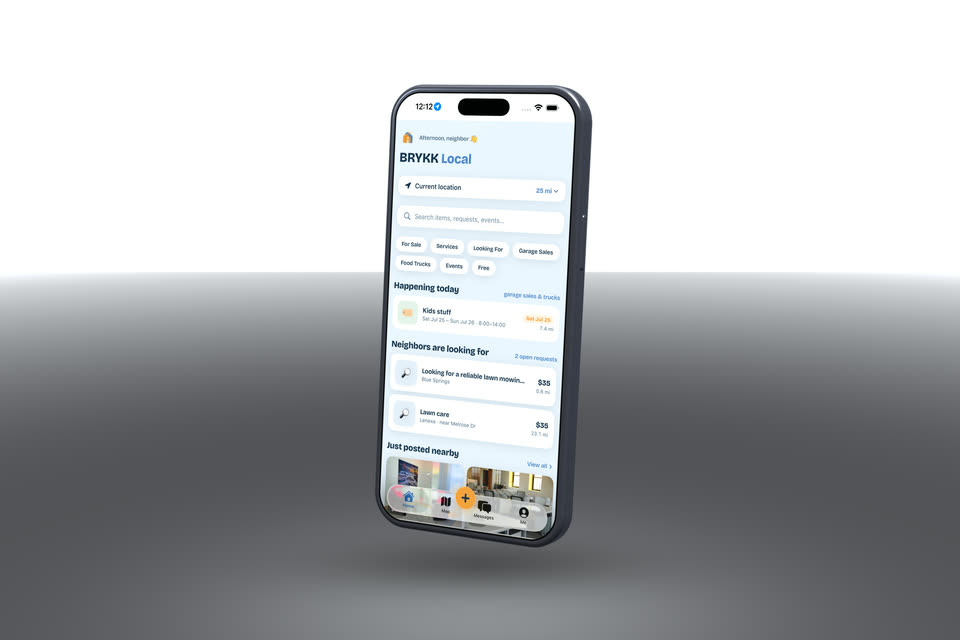
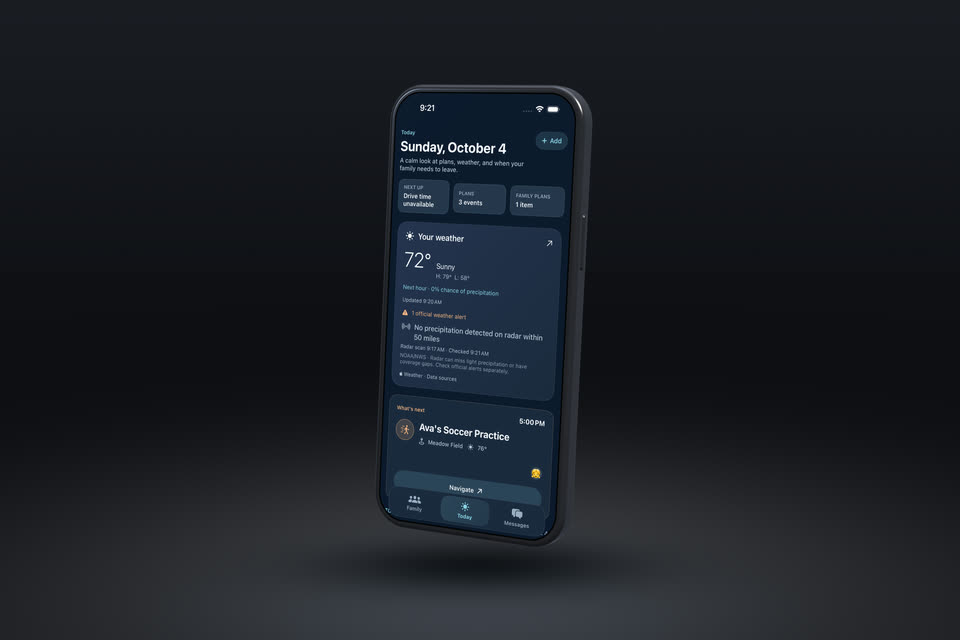
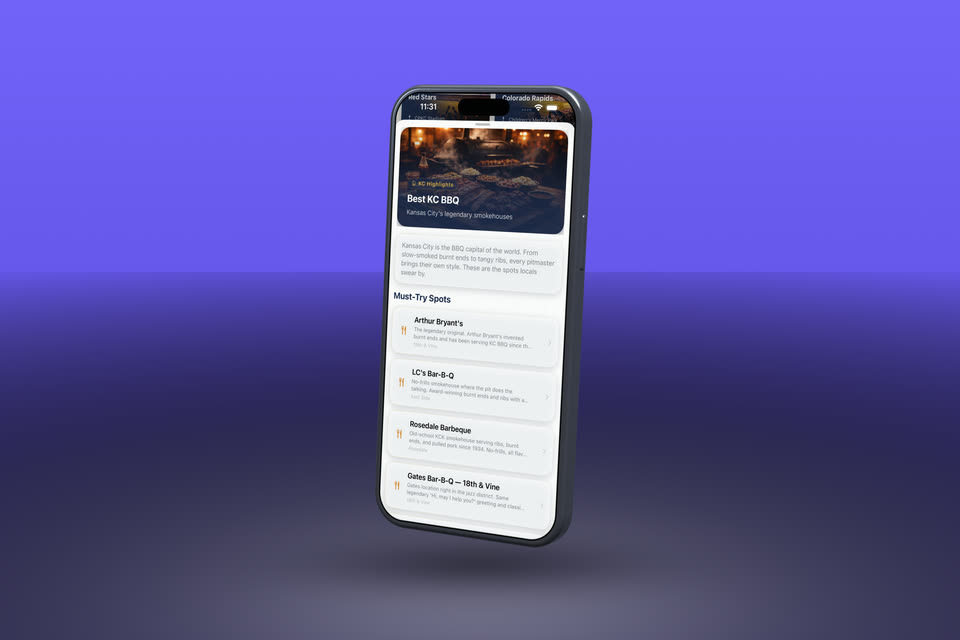
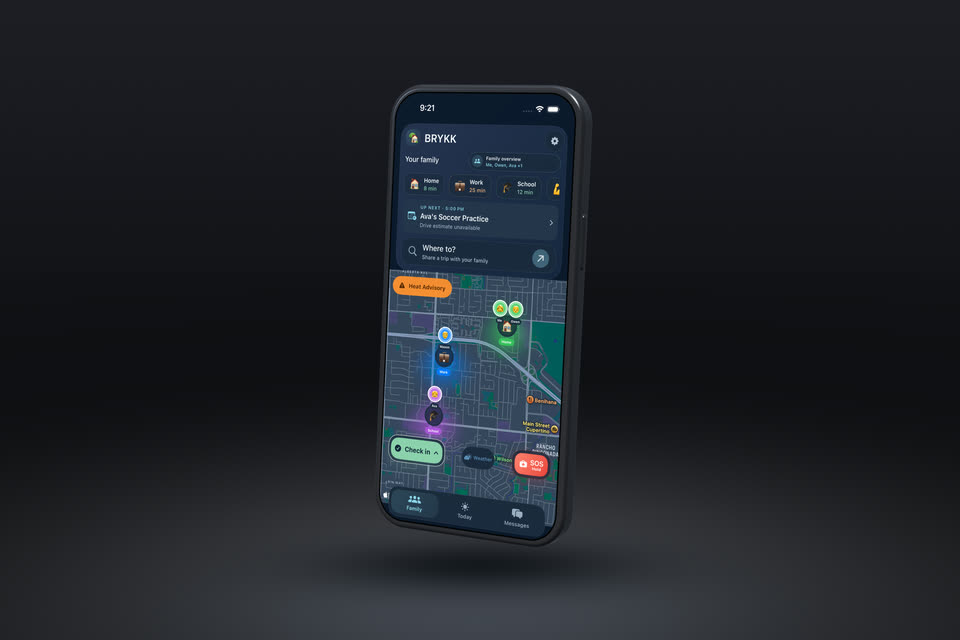
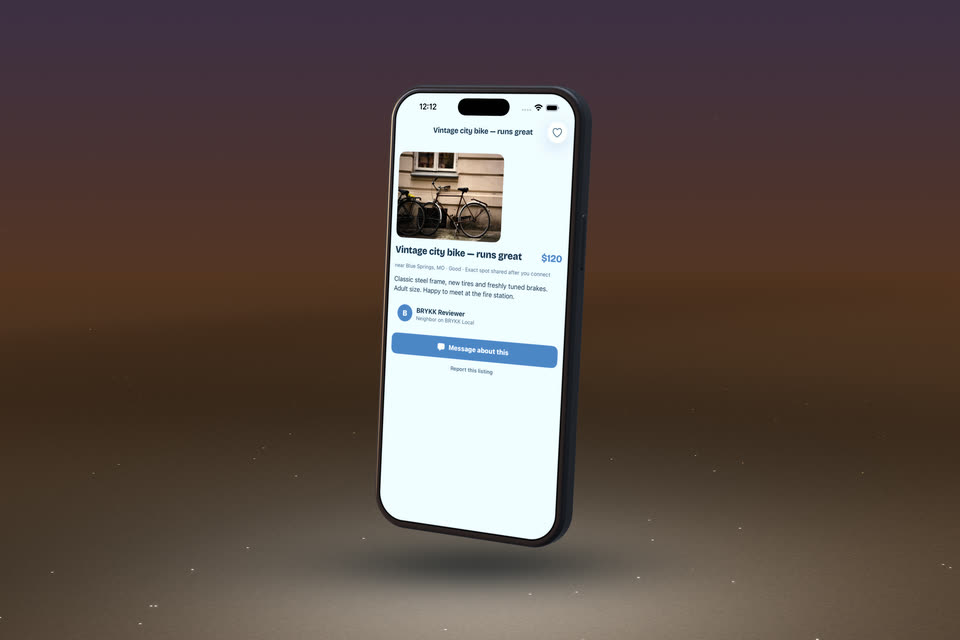
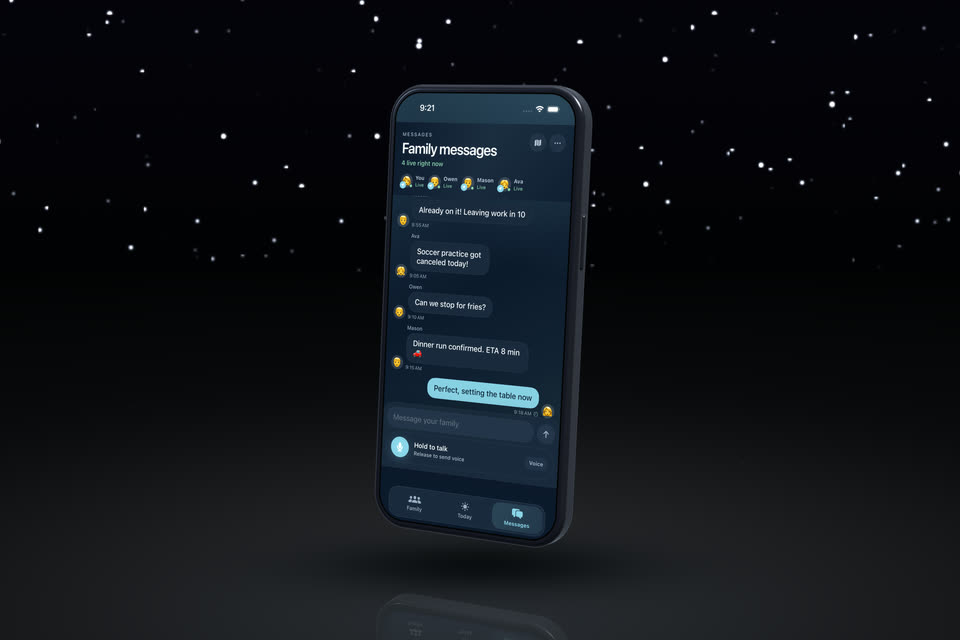
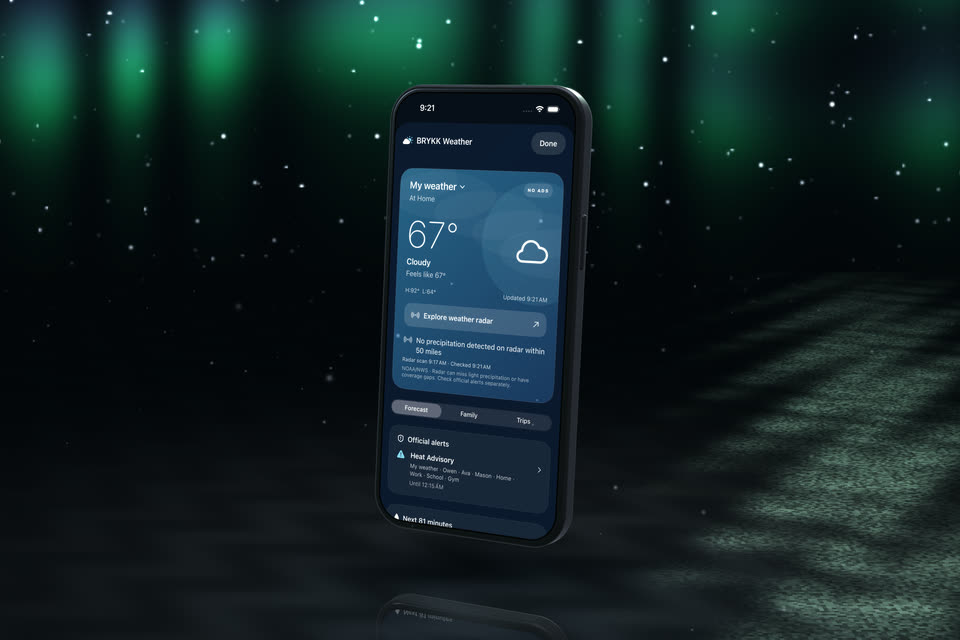
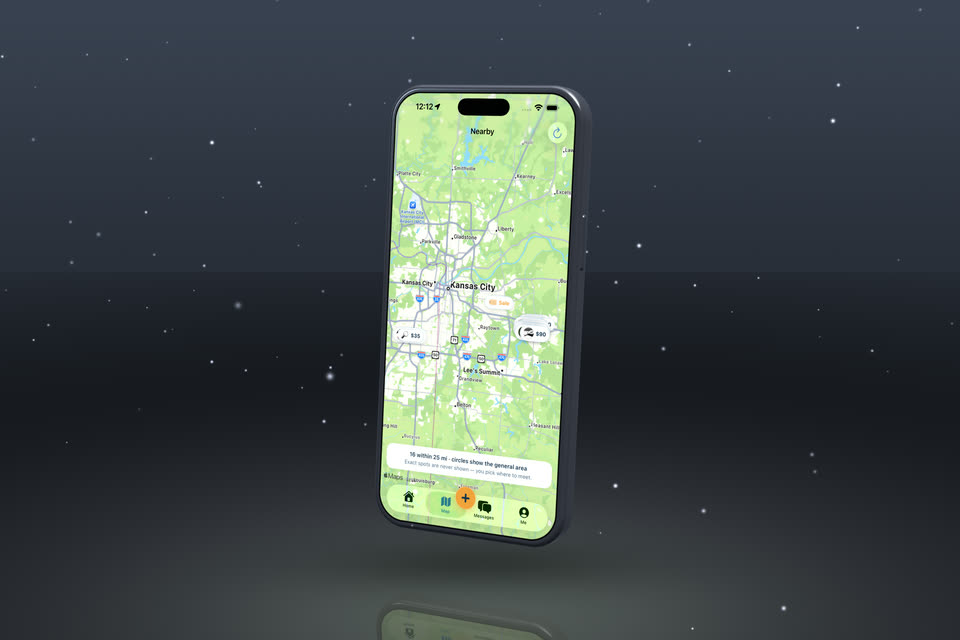
BRYKK — a family-safety app — shot entirely in Screen Stage. Your app, exactly like this.
Camera
The camera is yours. Or one click does it.
Orbit by hand, save a few shots, and Screen Stage eases between them at 4K60 — or 4K120 — with real motion blur. Or skip keyframes entirely: pick from 12 one-click moves — Match Cut (a flat recording sweeps into the 3D reveal), Push In, Rise & Reveal, Hero Arc, Dolly Zoom, Orbit 360 and more. Live screens and recordings stay synced to the device while the camera flies.
The actual app
Drop in. Click through. Done.
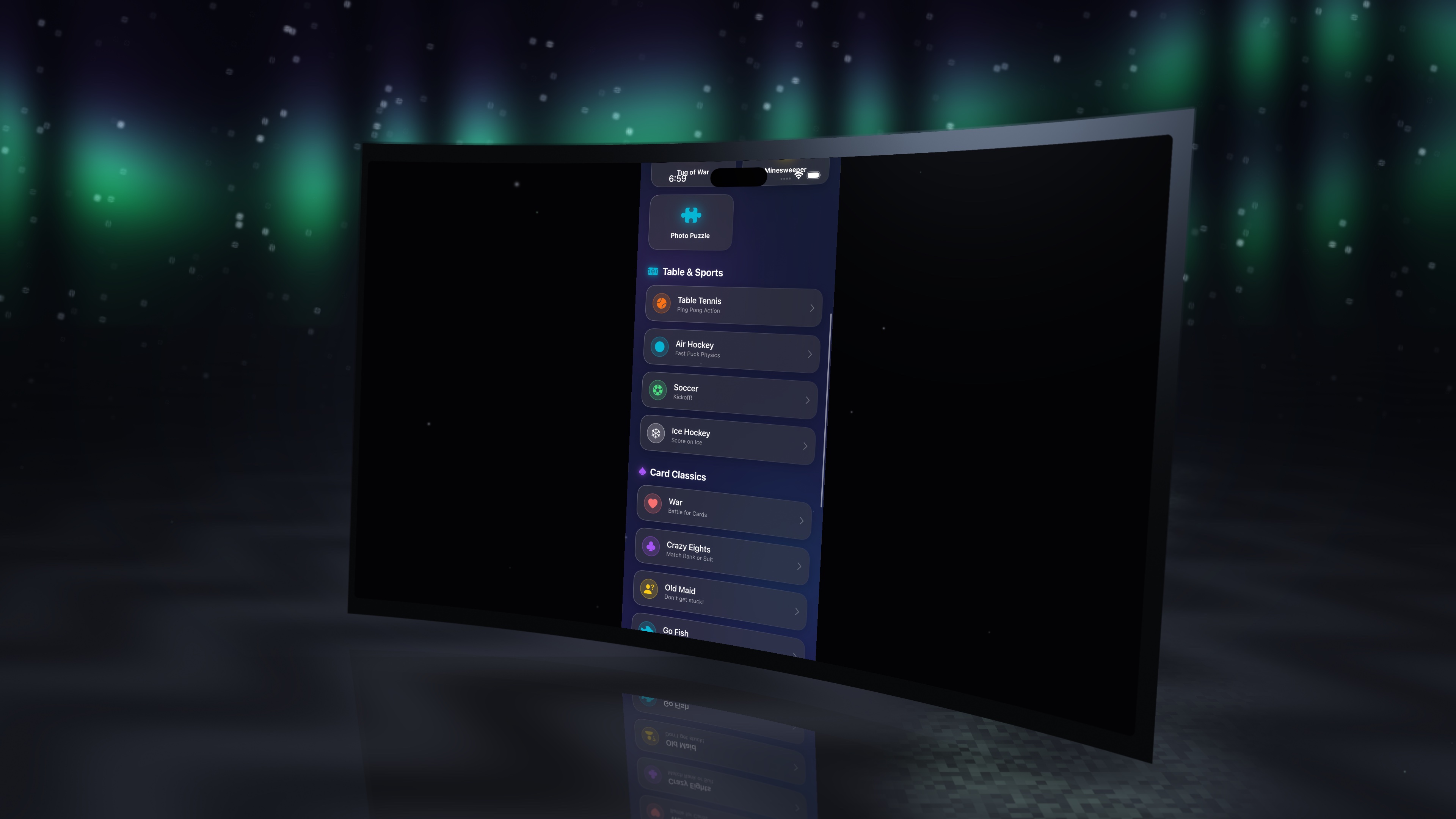
No timeline, no editor — this is a raw screen recording of Screen Stage running on a Mac: a real app on the device, switching cinematic scenes live.
New — Control
Tap the 3D phone. It taps the real app.
Turn on Control and the 3D device becomes live: tap, swipe, scroll, and type right on the screen in the scene and it drives the real app you're capturing — your iOS simulator, a game, any window. Not a video of your app. Your app, running, inside a cinematic 3D phone. Demo it, record it, or stream it into OBS while you actually use it.
New — Describe your whole set
Type it. Your Mac builds the App Store set.
Type “make a set from my screenshots in clean dark” and Screen Stage finds your screenshots, frames each on a device, reads what's on every screen, and writes a headline for it — a whole captioned App Store set, ready to export at every required size or upload to App Store Connect. The marketing chore that used to take an afternoon, in one sentence. All on-device, nothing uploaded.
Scenes
Twelve scenes, one click.
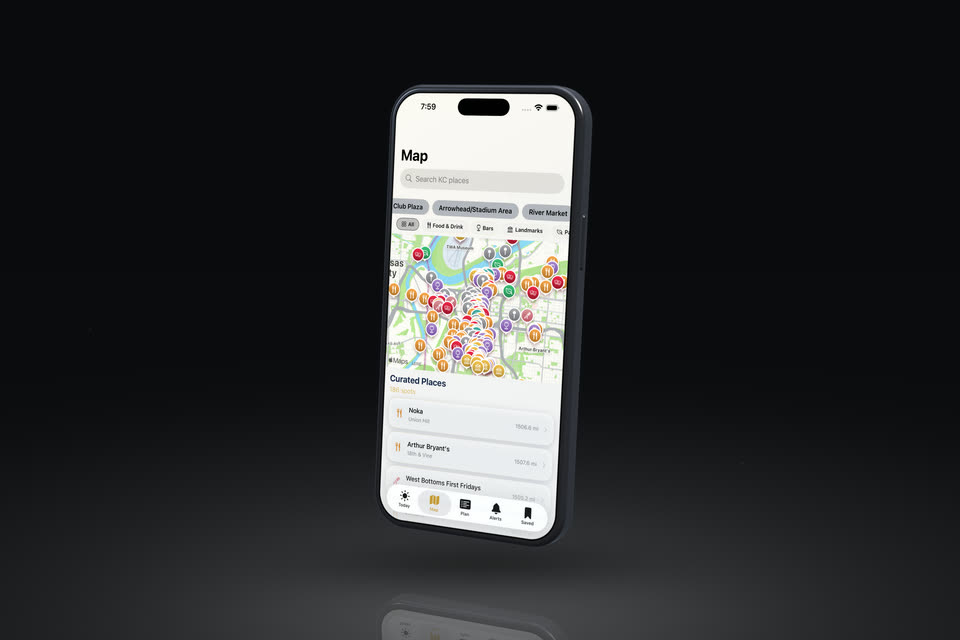
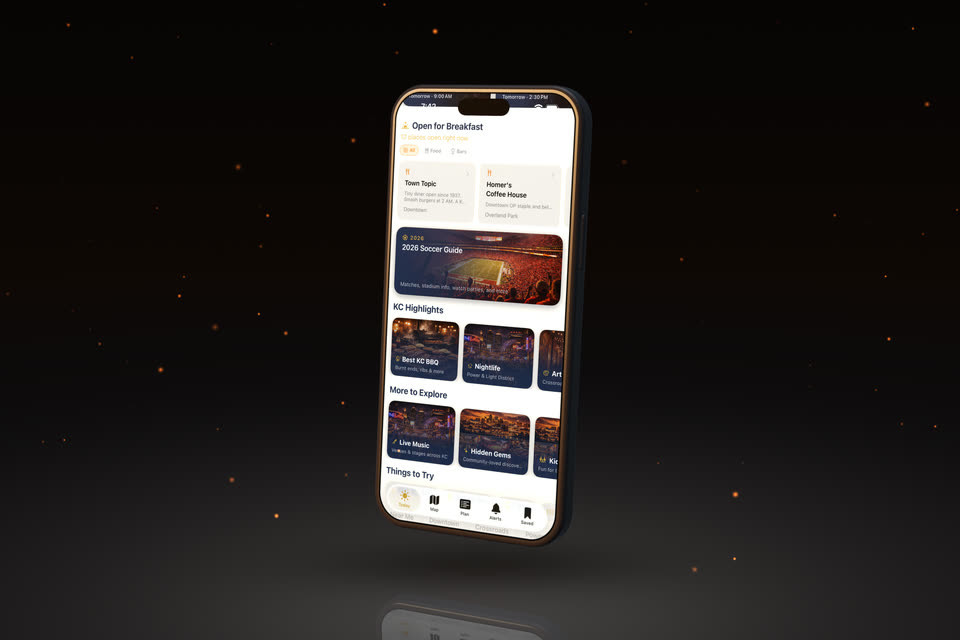
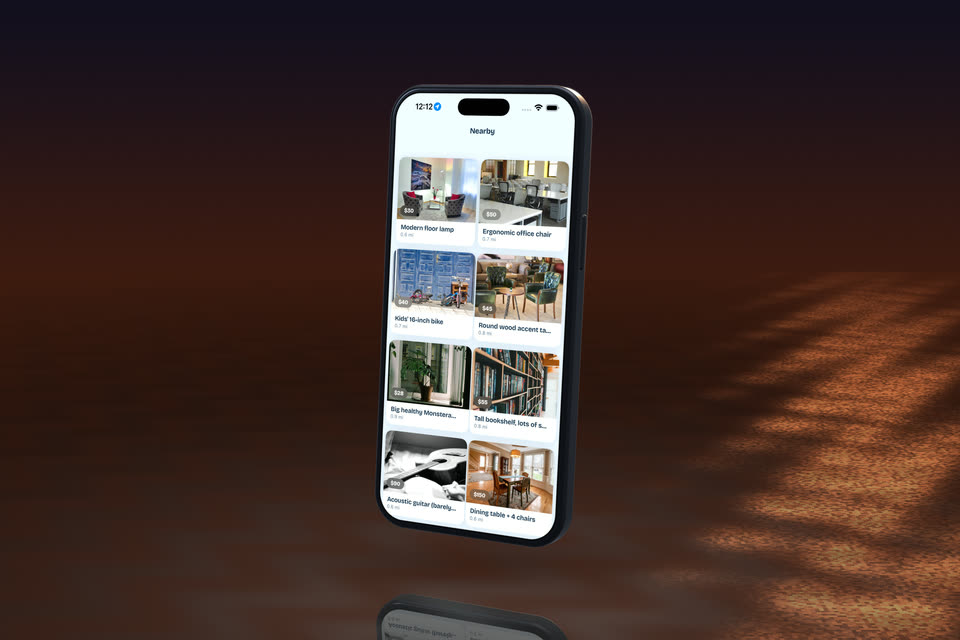
Scenes set the whole stage at once — from clean light, dark and brand-color backdrops for App Store shots to weather, sky, water and neon. Every one of these is a single click, rendered live on your Mac, and every knob is still yours afterward.
Features
Everything in the box.
A real-time film set for software. Every item below is live in the viewport and lands in every export.
Pricing
Own it, or pay yearly.
Every plan gets every feature — all devices, scenes, moves, AI captions, App Store upload — and your key also removes the watermark from the free browser version. No add-ons, no upsells, no cloud subscription.
A lifetime license — every feature, forever, on 2 Macs. Only the first 50 buyers get this price. Then it goes back to $49/yr or $129.
Grab a launch slot — $19 →…or pick a regular plan:
- Everything in Screen Stage
- All updates while subscribed
- Use on 2 Macs
- Cancel anytime
- Everything, forever
- All future updates included
- Use on 2 Macs
- Pay once — never again
- Everything in Lifetime
- Use on 5 Macs
- Commercial license for client work
- Built for agencies & studios
How it works after you buy
- Check out — pay securely through Polar. Just your email and card; there's no account to create.
- Get your key instantly — your license key appears right on the confirmation screen the moment you pay, and Polar emails you a receipt with access to it.
- Activate — open Screen Stage, paste the key on first launch, and you're in.
Can't find your key? It's always in your Polar receipt — or email me and I'll send it. Polar handles tax worldwide. Try the free browser version above first — paid licenses are instant digital access and final sale (no refunds).
FAQ
Questions, answered.
What is Screen Stage?
A native Mac app that puts your screen — an app, the iOS simulator, or a live game — onto a cinematic 3D device in real time. Record it, stream it into OBS over Syphon, and generate exact App Store screenshot sets and App Preview videos — all locally, no cloud.
Is Screen Stage a Rotato alternative?
Yes. Like Rotato it puts screenshots and recordings on 3D device mockups — but Screen Stage is a real-time native Metal engine: it captures your screen live, follows your cursor, streams into OBS, and renders 4K video and 8K stills locally with no render wait and no cloud.
Is Screen Stage a Screen Studio alternative?
It records your screen with cinematic camera moves like Screen Studio, but renders the footage onto a true 3D device in real time and streams straight into OBS — plus it builds your App Store screenshot sets. One tool instead of three.
How do I make App Store screenshots?
Drop your screenshots in, or just type what you want — the on-device AI builds a captioned set automatically. Screen Stage exports every required App Store size for iPhone and iPad, in multiple languages, and uploads straight to App Store Connect.
Which devices are supported?
iPhone (18 Pro, with the Dynamic Island and camera plateau), the foldable iPhone Duo open and folded, Android, the 13″ iPad Pro, MacBook, Apple Watch Series 12, Wear OS, and TV — each modeled to the manufacturer's published dimensions, with finishes, scenes, lighting, and one-click camera moves. Store exports match the device: iPhone Duo inner and outer, every Apple Watch size, Mac, Apple TV, and Google Play.
Does it work with OBS for streaming?
Yes — Screen Stage publishes a Syphon source. In OBS, add a Syphon Client source named “Screen Stage” and your live 3D scene appears in your stream or recording, opaque or transparent, up to 4K120.
What do I need to run it?
The browser version runs in any modern browser on any computer. The Mac app needs a Mac with Apple silicon (M1 or later) running macOS 14 Sonoma or newer. The AI features — captions, translations, headline writing and full plain-English Scene Director — use Apple's on-device model, so they need macOS 26 with Apple Intelligence turned on. Without it, everything else works, you write captions yourself, and Scene Director still understands simple keywords.
Does my screen ever go to the cloud?
No. Everything renders, records, and streams on your Mac, and the AI captions run on-device. The whole app is about 4 MB.
How do I get my license key after I pay?
Instantly. Checkout runs through Polar (just your email and card — no account to create). Your key appears on the confirmation screen the moment payment completes, and it's saved in your Polar receipt, emailed to you. Open Screen Stage, paste it on first launch, and you're in. Can't find it? Email me and I'll send it right over.
Do I need to create an account to buy?
No. Polar checkout only needs your email and payment — no password, no sign-up. Your key arrives by email and is also kept in your Polar receipt if you ever need it again.